
Compact Component System Instruction Manual
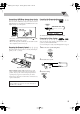

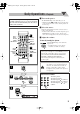
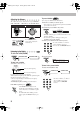
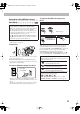

Table Of Contents
- Connections
- Display Indication
- Daily Operations—Playback
- Daily Operations—Sound & Other Adjustments
- Adjusting the Speaker Output Balance
- Reinforcing the Bass Sound
- Applying an Optimal Bass Sound Effect —VARIO BASS
- Selecting the Sound Modes
- Creating Your Own Sound Modes —User Mode
- Creating 3-Dimensional Sound Field—3D Phonic
- Presetting Automatic DVD Video Sound Increase Level
- Changingthe Picture Tone
- Changing the Display Brightness
- Setting the Clock
- Unique Video Disc/File Operations
- Advanced Playback Operations
- On-Screen Operations
- Recording Operations
- Enjoying Karaoke
- Timer Operations
- Setup Menu Operations
- Operating the TV
- Additional Information
- Parts Index
6
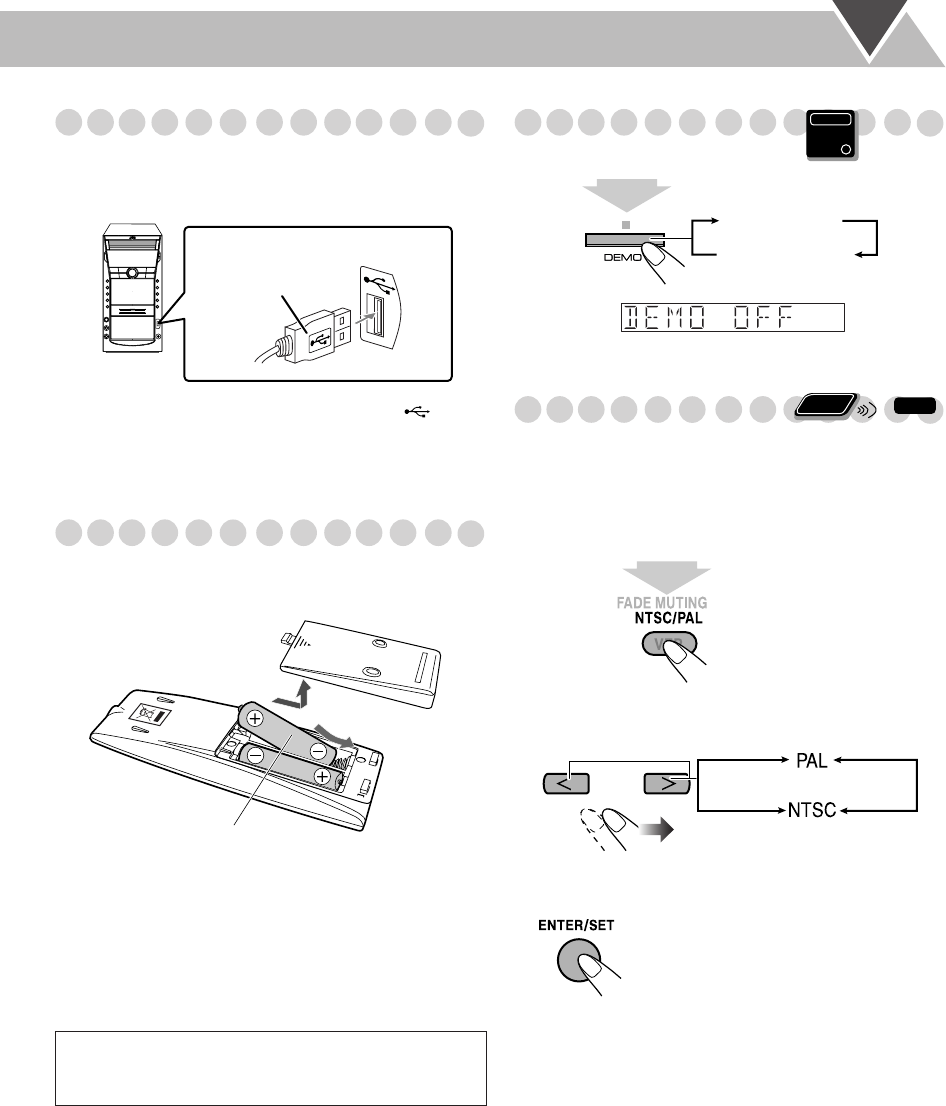
Connecting a USB Mass storage class device
You can connect a USB mass storage class device such as a
USB flash memory, hard disk drive, multimedia card reader,
digital camera, etc. to this System.
• You cannot connect a personal computer to the (USB
MEMORY) terminal of the System.
• When connecting with a USB cable, use the USB 2.0 cable
whose length is less than 1 m (3.3 ft).
Preparing the Remote Control
Insert the batteries into the remote control by matching the
polarity (+ and –) correctly.
• If the range of effectiveness of the remote control decreases,
replace both batteries.
Canceling the Demonstration
To start the demonstration,
select DEMO START.
Changing the Color System
You can select the video output to match it to the color
system of your TV (NTSC or PAL).
• You can change the setting only while playback is stopped.
1
Enter the color system setting mode.
2
Select the color system.
3
Store the setting.
When using the remote control,
point the top of the
remote control toward the remote sensor as directly as
possible. If you operate it from a diagonal position, the
operating range (approx. 5 m/16.4 ft) may be shorter.
Caution:
Battery shall not be exposed to excessive heat such as
sunshine, fire or the like.
USB cable
(not supplied)
Main unit
R6(SUM-3)/AA(15F)
Main Unit
ONLY
2
sec.
DEMO OFF
DEMO START
Remote
ONLY
INFO
2
sec.
DX-J21[J].book Page 6 Tuesday, April 8, 2008 11:32 AM