
Compact Component System Instruction Manual
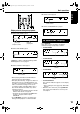
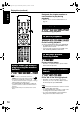
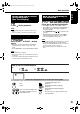
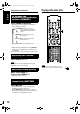
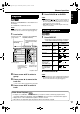
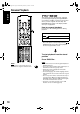
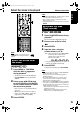
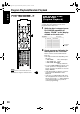
Table Of Contents
- J version
- Warnings, cautions and others
- Table of contents
- Special cautions
- About discs
- Description of parts
- Using the remote control
- Connecting up
- Playing discs
- Playing audio/video files
- Resume Playback
- Select the scene to be played
- Program Playback/Random Playback
- Repeat Playback
- Other convenient functions
- Functions specific to DVD AUDIO
- Using the menu bar
- Preferences
- Country/Area codes
- Listening to a radio broadcast
- Tuning in to a preset station
- Listening to the sound of other audio device
- Setting the Various Timer
- Tray Lock
- Troubleshooting
- Language codes
- Specifications
- LIMITED WARRANTY
- C version
- Warnings, cautions and others
- Table of contents
- Special cautions
- About discs
- Description of parts
- Using the remote control
- Connecting up
- Playing discs
- Playing audio/video files
- Resume Playback
- Select the scene to be played
- Program Playback/Random Playback
- Repeat Playback
- Other convenient functions
- Functions specific to DVD AUDIO
- Using the menu bar
- Preferences
- Country/Area codes
- Listening to a radio broadcast
- Tuning in to a preset station
- Listening to the sound of other audio device
- Setting the Various Timer
- Tray Lock
- Troubleshooting
- Language codes
- Specifications
20
English
NOTE
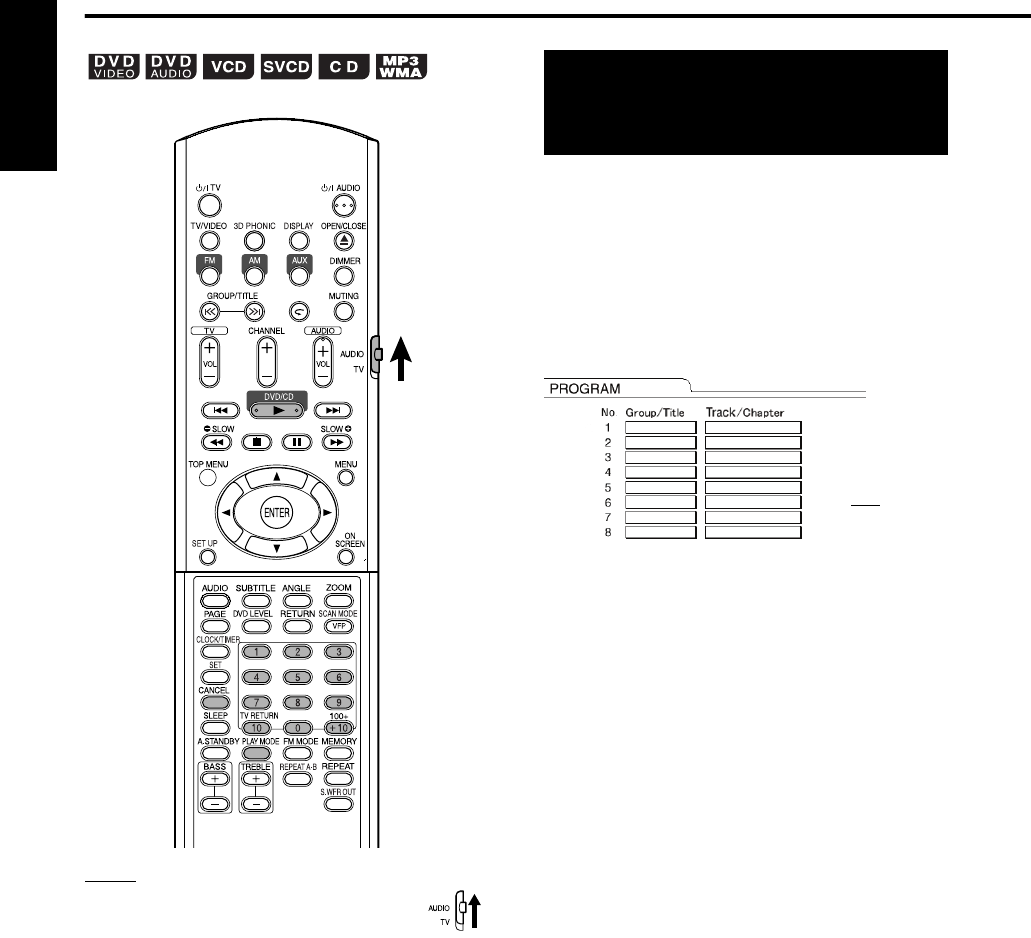
Set the remote control mode selector to
AUDIO before using the number buttons.
It is possible to program a maximum of 99 chapters
or tracks. The same chapter or track can be
programmed more than once.
1 While the disc is stopped, press
PLAY MODE repeatedly to
display “PRGM.” on the display
window on the main unit.
2 Create a program following the
description on the TV screen.
Refer to “How to use the number buttons”
(page 15).
• The input content varies depending on the
disc type.
• DVD VIDEO: Titles and chapters
• VCD, SVCD, CD: Tracks
• DVD AUDIO, MP3/WMA:
Groups and tracks
• To select a DVD AUDIO bonus group, carry
out the operations of “Playing the Bonus
Group” on page 27 in advance to erase the
display “BONUS”.
• If the input number of chapters or tracks is
greater than 99, “MEM FULL” will be
displayed.
• In the case of a VCD, SVCD or CD, when
the total playback time reaches 9 hours 59
minutes 59 seconds, “--:--” will be displayed
on the display window (it is possible to
continue programming).
Play the disc in the
desired order
(Program Playback)
TV screen
Program
screen
Program Playback/Random Playback
FS-Y1[C].book Page 20 Wednesday, February 16, 2005 7:46 AM