
User Manual



4 Commissioning the instrument
10
4.2 Operating level
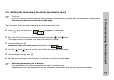
The parameters that have been enabled at the enabling level can be displayed and modified at the operating level.
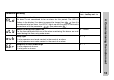
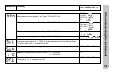
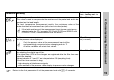
h Press (only briefly). The first parameter that can be modified appears, e.g. . Parameter name
and present value are displayed alternately.
h Use the and keys the set the value within the specified value range.
h Acknowledge settings with .
h Set the next parameter, see Overview of operation on the front inside page.
H
Time-out:
If no key is pressed for 30 seconds, then the instrument automatically switches back to the temperature dis-
play, see Overview of operation on the front inside page.