
Quick Start Guide





©ION Inc. All rights reserved.
Index
-
To Go
-
Export Settings
- Device Name Settings
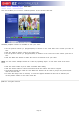
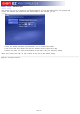
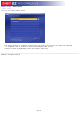
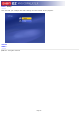
Click on the "Device Name" button in the Settings screen to edit device name.
l
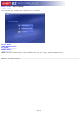
Type in a device name into the text field.
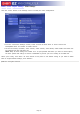
When you're ready, click "Save," or click "Cancel" any time to exit without saving. If you want to switch back
to default settings, click "Default."
Page 15