
Quick Start Guide






©ION Inc. All rights reserved.
Index
-
To Go
- Schedule Sync
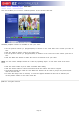
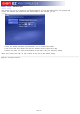
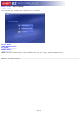
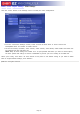
This section lets you set a schedule to synchronize between your PC and mobile device. The program will
monitor the schedule and synchronize files automatically on the schedule you set.
l
Check the "Enable Scheduled Synchronization" box to activate this feature.
l
Type in the start time directly and click the up/down arrow to select AM or PM.
l
Choose how often you want synchronization to take place using the Frequency setting.
When you're ready, click "OK". Or click "Cancel" at any time to exit without saving.
Page 13