CPU Card User's Manual
Manuals
Brands
IBM Manuals
Computer Hardware
CI5VGM Series
71
72
73
74
75
76
77
78
79
80
Chapter 4 Audio D
river
Installation Guide
72
CI5VGM U
ser’
s Manual
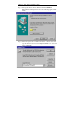
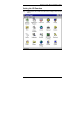
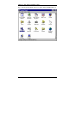
Step 2.
Double click the
OPL3-SAx
Config
icon.
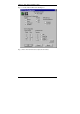
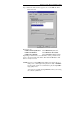
Step 3.
Move
Ymersion
slide bar to adjust the 3D ef
fects.
1
...
...
74
75
76
77
78
...
...
134