
HP X7000 Wi-Fi Touch Mouse - User Guide

Pa
g
e 1
3
Buttons
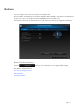
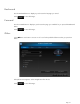
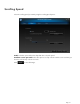
You can configure each of the mouse buttons on the Buttons tab.
The Select Button list displays the list of buttons available. When available, radio buttons will display a list
of actions you can use to configure the button highlighted in the Select Button list.
Click a button name from the Select Button list to view the functions that can be assigned to that button.
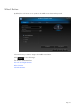
Restore Default Settings
Click the button to restore the buttons to the original default settings.
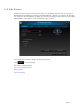
For More Information:
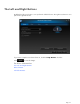
The Left and Right Buttons
Wheel Button
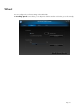
Left Side Buttons