
User Guide

Page 12
Configuring Your HP Mouse
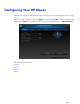
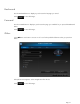
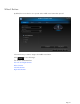
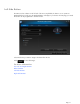
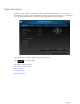
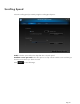
Different mouse settings are indicated by the tabs on the top of the screen. Click a tab to enter the settings
screen.
When you change a setting, you may click Apply to save the changes, OK to save the changes and exit
the program, or Cancel to exit without saving. To launch the Pairing Wizard, select Pairing Wizard.
For More Information:
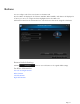
Buttons
Wheel
Mouse
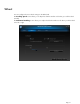
About