
User Guide - rp5400 Family of Servers
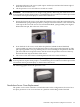
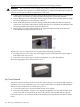
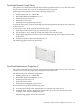
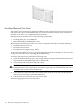
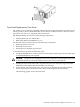
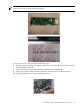

NOTE: For revision B GSP only, remove one of the MAC address labels and place on the rear
of the server as shown in the following graphics.
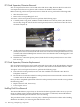
To replace a Core I/O card, perform the following steps:
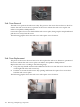
1. Orient the I/O card in its guide and push it into the server until the card connector seats in
the I/O Backplane card slot.
2. Connect the I/O cable attached to the I/O card at the rear PCI bulkhead.
3. Connect any ribbon cable connectors attached to the I/O card in the side service bay.
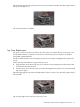
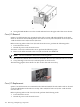
The following graphic shows an I/O card being replaced.
Individual Component Remove/Replace Instructions 109