
HP ProLiant WS460c Gen8 Workstation Blade with WS460c Graphics Expansion Blade Maintenance and Service Guide

Removal and replacement procedures 52
2.
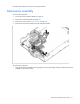
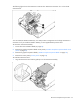
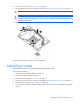
Press down firmly on the mezzanine assembly handles, and then close the mezzanine assembly latch.
3. Install the access panel ("Access panel" on page 28).
Mezzanine card
To remove the component:
1. Power down the workstation blade (on page 26).
2. Remove the workstation blade (on page 28).
3. Remove the access panel ("Access panel" on page 28).
4. Remove the mezzanine assembly ("Mezzanine assembly" on page 51).
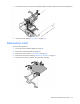
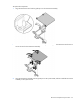
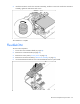
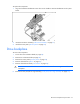
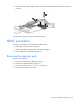
5. Remove the mezzanine card from the mezzanine assembly.