
HP ProLiant WS460c Gen8 Workstation Blade with WS460c Graphics Expansion Blade Maintenance and Service Guide

Removal and replacement procedures 46
Drive
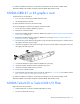
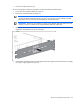
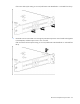
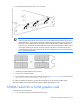
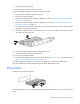
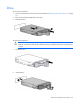
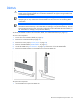
To remove the component:
1. Determine the status of the drive from the drive LED definitions ("Hot-plug drive LED definitions" on page
95).
2. Back up all workstation blade data on the drive.
3. Remove the drive.
To replace the component:
CAUTION: To prevent improper cooling and thermal damage, do not operate the workstation
blade or the enclosure unless all drive and device bays are populated with either a component or
a blank.
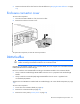
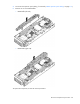
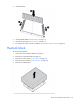
1. Prepare the drive.
2. Install the drive.