
HP Graphics Server Blade XenServer GPU Pass-through Quick Start
Solution Quick Start Guide | HP Graphics Server Blade XenServer GPU Pass-through Quick Start
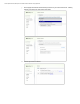
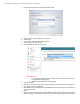
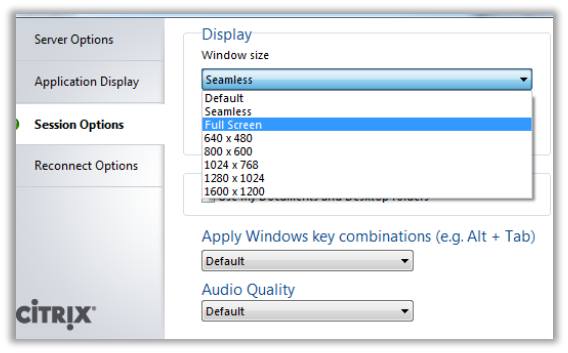
f. Select and configure options
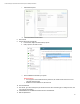
i. In the options window select “Session options”
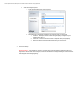
ii. Set window size to the default configuration you want the client to connect with
1. Seamless - Attempts to create a session using all displays configured on your
endpoint client, up to 4
2. Full Screen – Creates a full screen session on endpoint client primary display
3. Others are different resolution widowed sessions you can connect at
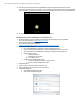
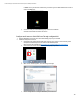
3. Connect to desktop
IMPORTANT NOTE – If you attempt to connect to a session using a end client display configuration that is not
supported or that the client cannot configure, the session will look like its doing something for a few second and
then disappear with nothing happening.