Setup 28
2.
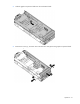
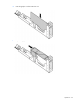
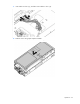
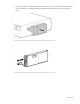
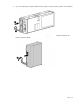
If you are installing a workstation blade, remove the enclosure cover as shown in the following figure.
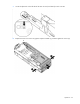
If you are installing a workstation blade with the graphics expansion blade, remove the enclosure
covers.
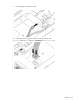
3. If you are installing the workstation blade, prepare it for installation.