
HP ProLiant WS460c G6 Workstation Blade with WS460c Graphics Expansion Blade Maintenance and Service Guide

Removal and replacement procedures 70
5.
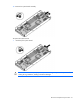
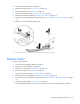
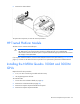
Remove the power cable.
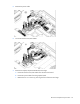
6. Disconnect the four PCIe/SAS cables.
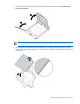
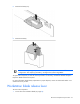
7. Remove the Graphics Expansion Blade PCIe card cage.
a. Disconnect the four PCIe/SAS cables from the PCIe riser board.
b. Disconnect power cables from the graphics board.
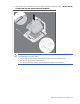
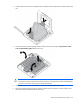
c. Remove the two T-15 screws (1) securing the front of the PCIe card cage.