
HP ProLiant SL4545 G7 Server Node Maintenance and Service Guide

Removal and replacement procedures 27
2.
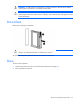
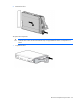
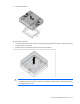
Install the drive.
3. Determine the status of the drive from the drive LED definitions (on page 53).
DIMMs
To remove the component:
1. Power down the node (on page 21).
2. Remove the node from the chassis ("Remove a node from the chassis" on page 22).
3. Remove the access panel (on page 23).
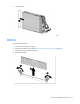
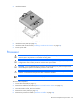
4. Remove the DIMM.
To replace the component, reverse the removal procedure.