
HP ProLiant SL4500 Series Chassis Maintenance and Service Guide

Removal and replacement procedures 60
3.
Disconnect all cables from the rear of the chassis.
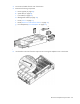
4. Remove the following components:
a. Power supplies (on page 43)
b. System fans (on page 42)
c. I/O module (on page 44)
d. Management module (on page 43)
e. Drives ("Drive" on page 51)
f. Node ("Remove a node from the chassis" on page 37)
g. Drive backplanes ("Drive backplane" on page 53)
5. Place the chassis on a flat, level surface.
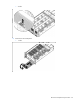
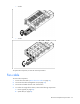
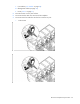
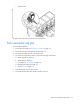
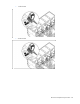
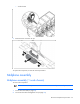
6. Use the Allen wrench to loosen the captive screws securing the midplane cover to the chassis.