
HP ProLiant SL4500 Series Chassis Maintenance and Service Guide

Removal and replacement procedures 43
Power supplies
Before removing the component, be sure to do the following:
• Verify the status of the power supply to be replaced by reviewing rear panel LEDs and buttons.
• Be sure that your configuration can support your actions. If the proper redundancy is not in place,
power down the nodes before beginning this procedure.
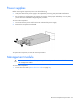
To remove the component:
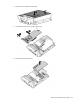
1. Disconnect the AC power cord from the AC outlet and the power supply.
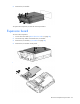
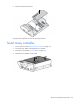
2. Remove the component as indicated.
To replace the component, reverse the removal procedure.
Management module
CAUTION: To avoid loss of data, back up all data and power down the node before removing
the management module.
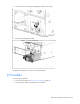
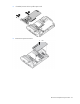
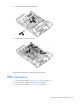
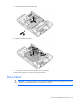
To remove the component:
1. Power down the nodes ("Power down the node" on page 36).