
HP ProLiant SL4540 Gen8 Server Node Maintenance and Service Guide
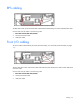
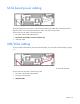
Table Of Contents
- HP ProLiant SL4540 Gen8 Server Node Maintenance and Service Guide
- Abstract
- Notice
- Contents
- Customer self repair
- Illustrated parts catalog
- Removal and replacement procedures
- Troubleshooting
- Diagnostic tools
- Component identification
- Cabling
- Specifications
- Acronyms and abbreviations
- Documentation feedback
- Index
Cabling 60
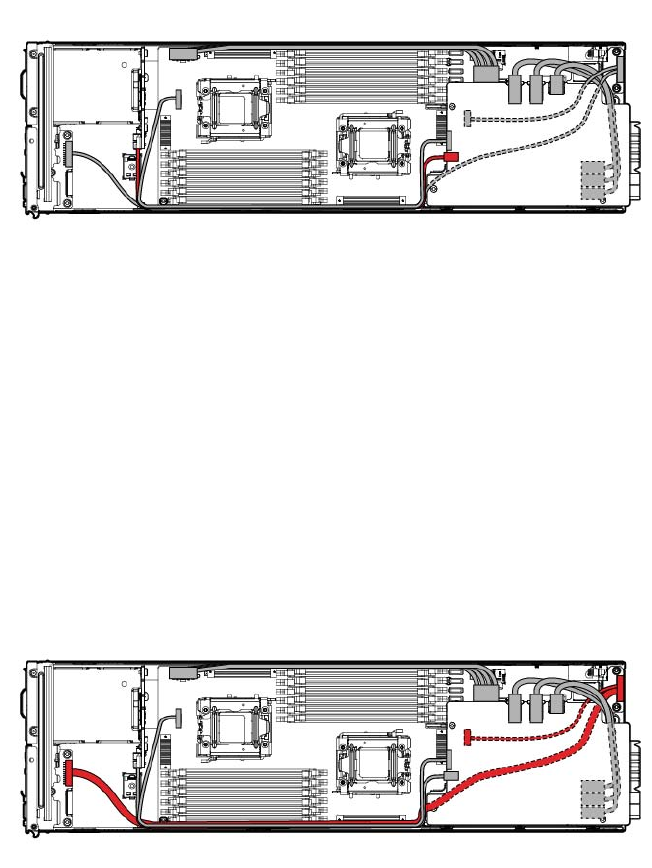
SATA board power cabling
The SATA board power cable routes on top of the RPS cable and front LED cable, and underneath the
USB/VGA cable. Secure the SATA board power cable in the plastic clip provided.
Connect and route the cables in the following order:
1. RPS cable and front LED cable (bottom)
2. SATA power board cable, secured in the plastic clip
3. USB/VGA cable
USB/VGA cabling
To access cables underneath the personality board assembly, see "Personality board assembly (on page
37)."
The USB/VGA cable routes on top of the SATA board power cable, RPS cable, and front LED cable.
Connect and route the cables in the following order:
1. RPS cable and front LED cable (bottom)
2. SATA power board cable
3. USB/VGA cable