
HP ProLiant SL4540 Gen8 Server Node Maintenance and Service Guide
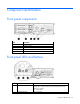
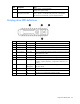
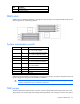
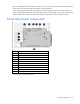
Table Of Contents
- HP ProLiant SL4540 Gen8 Server Node Maintenance and Service Guide
- Abstract
- Notice
- Contents
- Customer self repair
- Illustrated parts catalog
- Removal and replacement procedures
- Troubleshooting
- Diagnostic tools
- Component identification
- Cabling
- Specifications
- Acronyms and abbreviations
- Documentation feedback
- Index
Component identification 52
Component identification
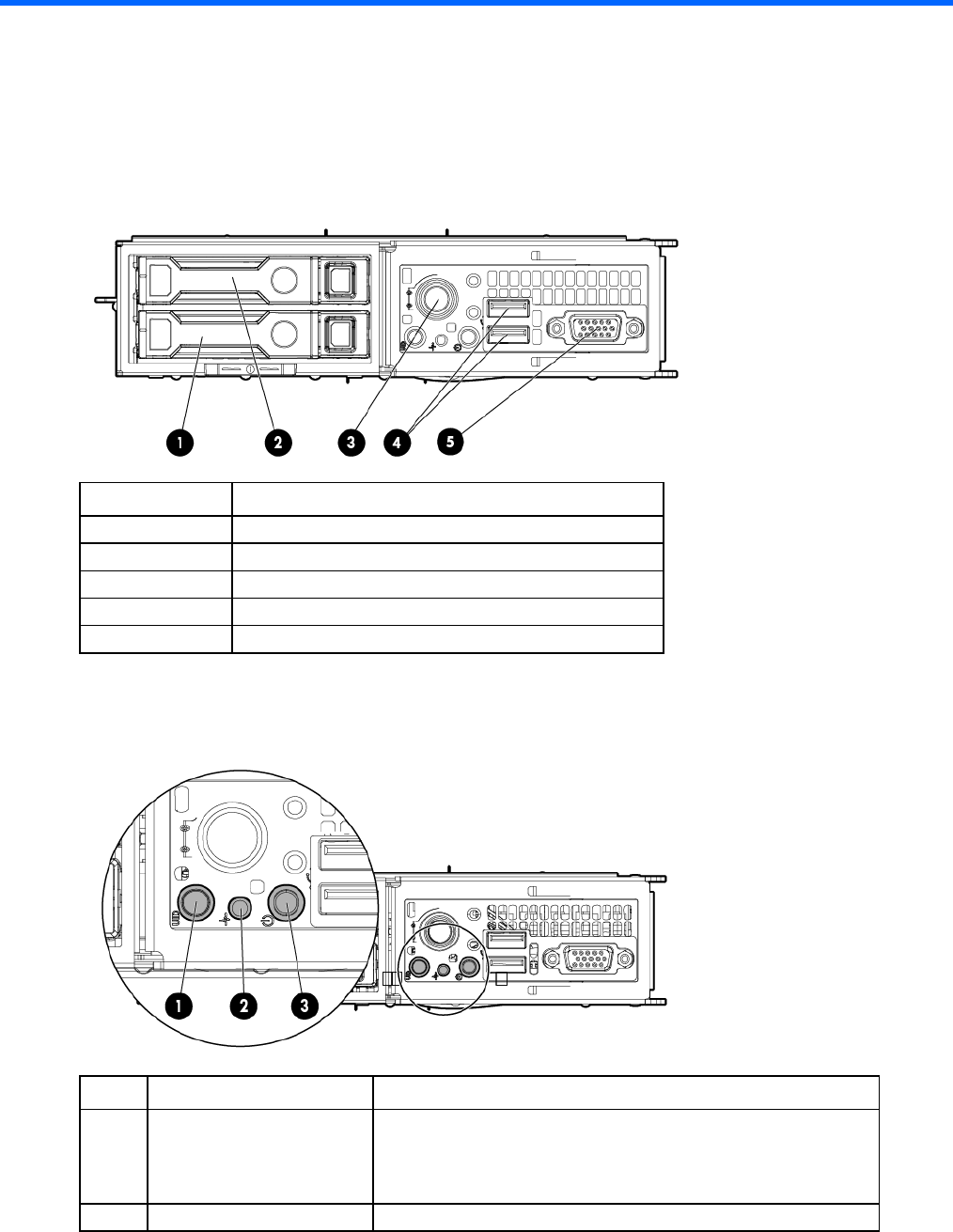
Front panel components
Item Description
1
Hard drive bay 1
2
Hard drive bay 2
3
Node release button
4
USB connectors (2)
5
VGA connector
Front panel LEDs and buttons
Item Description Status
1
UID LED button Blue = Activated
Flashing blue = System is being remotely managed or firmware
update is in progress.
Off = Deactivated
2
System Health LED Green = Normal