
HP ProLiant SL4540 Gen8 Server Node Maintenance and Service Guide
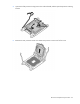
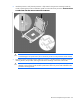
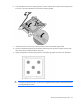
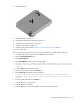
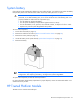
Table Of Contents
- HP ProLiant SL4540 Gen8 Server Node Maintenance and Service Guide
- Abstract
- Notice
- Contents
- Customer self repair
- Illustrated parts catalog
- Removal and replacement procedures
- Troubleshooting
- Diagnostic tools
- Component identification
- Cabling
- Specifications
- Acronyms and abbreviations
- Documentation feedback
- Index
Removal and replacement procedures 45
8.
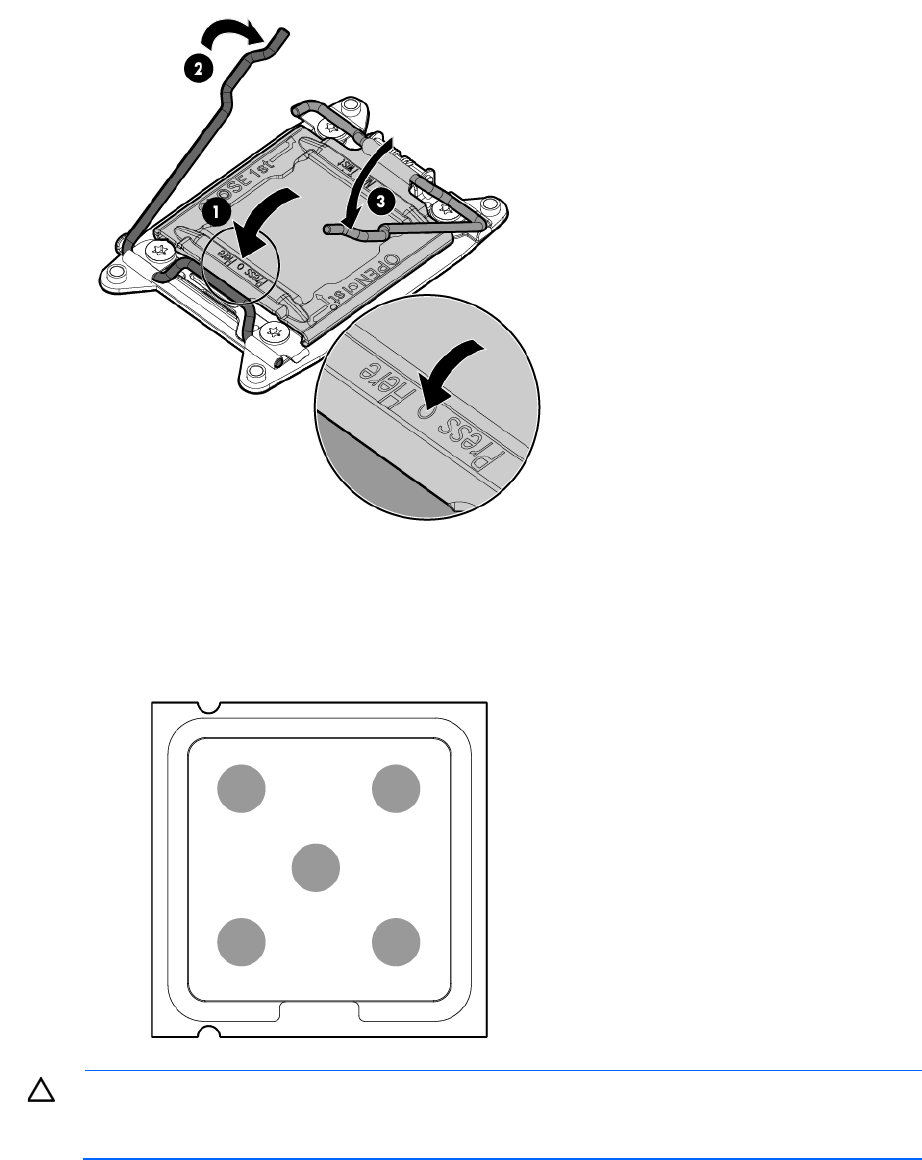
Press and hold the processor retaining bracket in place, and then close each processor locking lever.
Press only in the area indicated on the processor retaining bracket.
9. Install the processor socket cover onto the processor socket of the failed system board.
10. Clean the old thermal grease from the heatsink and the top of the processor with the alcohol swab.
Allow the alcohol to evaporate before continuing.
11. Apply all the grease to the top of the processor in the following pattern to ensure even distribution.
CAUTION: To avoid damage to the system board, processor socket, and screws, do not
overtighten the
heatsink screws. Use the wrench supplied with the system to reduce the possibility
of overtightening the screws.