
HP ProLiant SL4540 Gen8 Server Node Maintenance and Service Guide
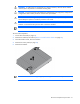
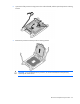
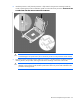
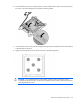
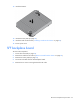
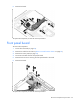
Table Of Contents
- HP ProLiant SL4540 Gen8 Server Node Maintenance and Service Guide
- Abstract
- Notice
- Contents
- Customer self repair
- Illustrated parts catalog
- Removal and replacement procedures
- Troubleshooting
- Diagnostic tools
- Component identification
- Cabling
- Specifications
- Acronyms and abbreviations
- Documentation feedback
- Index
Removal and replacement procedures 35
13.
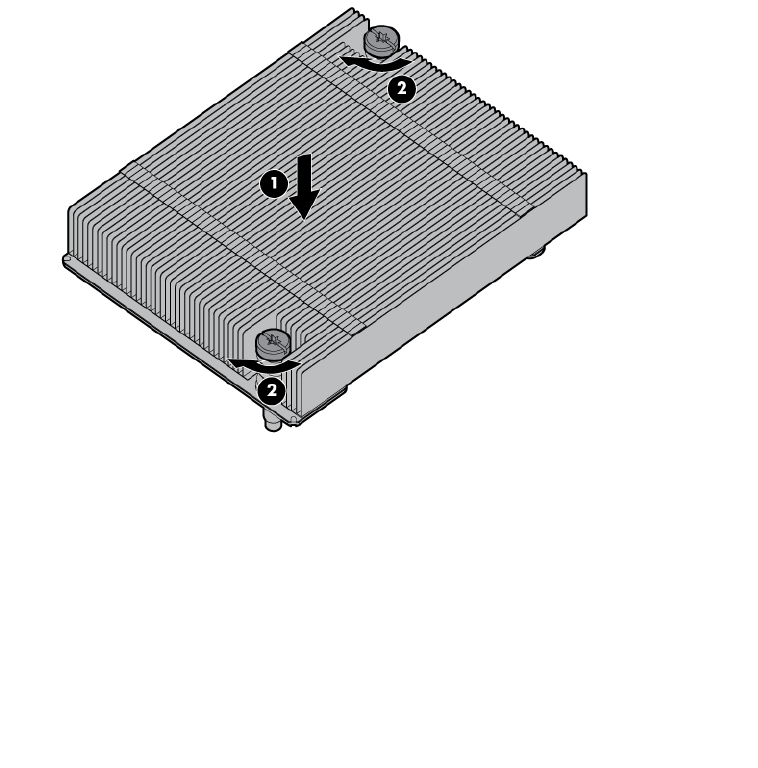
Install the heatsink.
14. Install the access panel (on page 24).
15. Install the node into the chassis ("Installing a node into the chassis" on page 23).
16. Power up the server.
SFF backplane board
To remove the component:
1. Power down the node (on page 22).
2. Remove the node from the chassis ("Remove a node from the chassis" on page 23).
3. Remove the access panel (on page 24).
4. Disconnect all cables from the SFF backplane board.
5. Remove the two screws securing the board to the node.