
HP ProLiant SL4540 Gen8 Server Node Maintenance and Service Guide
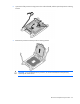
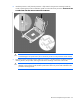
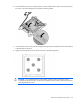
Table Of Contents
- HP ProLiant SL4540 Gen8 Server Node Maintenance and Service Guide
- Abstract
- Notice
- Contents
- Customer self repair
- Illustrated parts catalog
- Removal and replacement procedures
- Troubleshooting
- Diagnostic tools
- Component identification
- Cabling
- Specifications
- Acronyms and abbreviations
- Documentation feedback
- Index
Removal and replacement procedures 33
8.
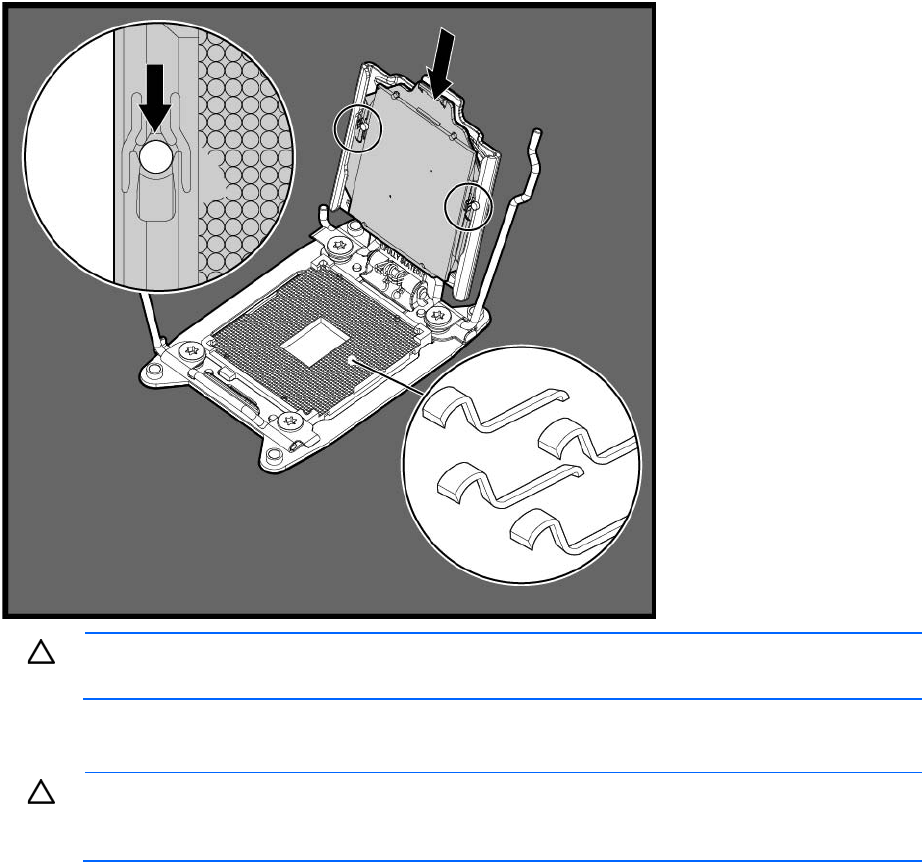
Install the processor. Verify that the processor is fully seated in the processor retaining bracket by
visually inspecting the processor installation guides on either side of the processor. THE PINS ON THE
SYSTEM BOARD ARE VERY FRAGILE AND EASILY DAMAGED.
CAUTION: THE PINS ON THE SYSTEM BOARD ARE VERY FRAGILE AND EASILY DAMAGED. To
avoid damage to the system board, do not touch the processor or the processor socket contacts.
9. Close the processor retaining bracket. When the processor is installed properly inside the processor
retaining bracket, the processor retaining bracket clears the flange on the front of the socket.
CAUTION: Do not press down on the processor. Pressing down on the processor may cause
damage to the processor socket and the system board. Press only in the area indicated on the
processor retaining bracket.