
HP ProLiant SL4540 Gen8 Server Node Maintenance and Service Guide
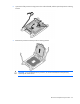
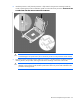
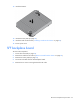
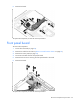
Table Of Contents
- HP ProLiant SL4540 Gen8 Server Node Maintenance and Service Guide
- Abstract
- Notice
- Contents
- Customer self repair
- Illustrated parts catalog
- Removal and replacement procedures
- Troubleshooting
- Diagnostic tools
- Component identification
- Cabling
- Specifications
- Acronyms and abbreviations
- Documentation feedback
- Index
Removal and replacement procedures 32
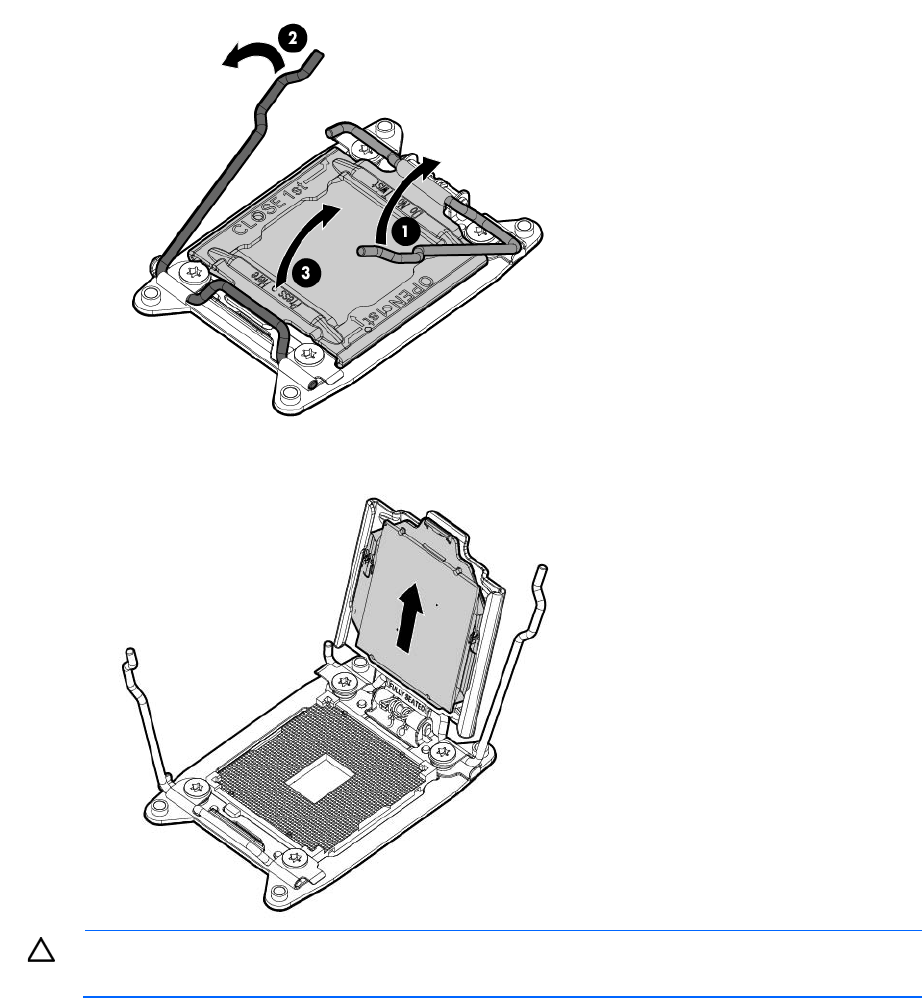
6.
Open each of the processor locking levers in the order indicated, and then open the processor retaining
bracket.
7. Remove the processor from the processor retaining bracket.
CAUTION: To avoid damage to the processor, do not touch the bottom of the processor,
especially the contact area.