
HP ProLiant SL4540 Gen8 Server Node Maintenance and Service Guide
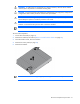
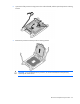
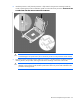
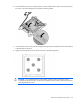
Table Of Contents
- HP ProLiant SL4540 Gen8 Server Node Maintenance and Service Guide
- Abstract
- Notice
- Contents
- Customer self repair
- Illustrated parts catalog
- Removal and replacement procedures
- Troubleshooting
- Diagnostic tools
- Component identification
- Cabling
- Specifications
- Acronyms and abbreviations
- Documentation feedback
- Index
Removal and replacement procedures 31
WARNING: To reduce the risk of personal injury from hot surfaces, allow the drives and the
internal system components to cool before touching them.
CAUTION: To prevent possible node malfunction and damage to the equipment, multiprocessor
configurations must contain processors with the same part number.
CAUTION: To avoid damage to the processor and system board, only authorized personnel
should attempt to replace or install the processor in this node.
CAUTION: The heatsink thermal interface media is not reusable and must be replaced if the
heatsink is removed from the processor after it has been installed.
IMPORTANT: Processor socket 1 must be populated at all times or the node does not function.
To remove the component:
1. Power down the node (on page 22).
2. Remove the node from the chassis ("Remove a node from the chassis" on page 23).
3. Place the node on a flat, level work surface.
4. Remove the access panel (on page 24).
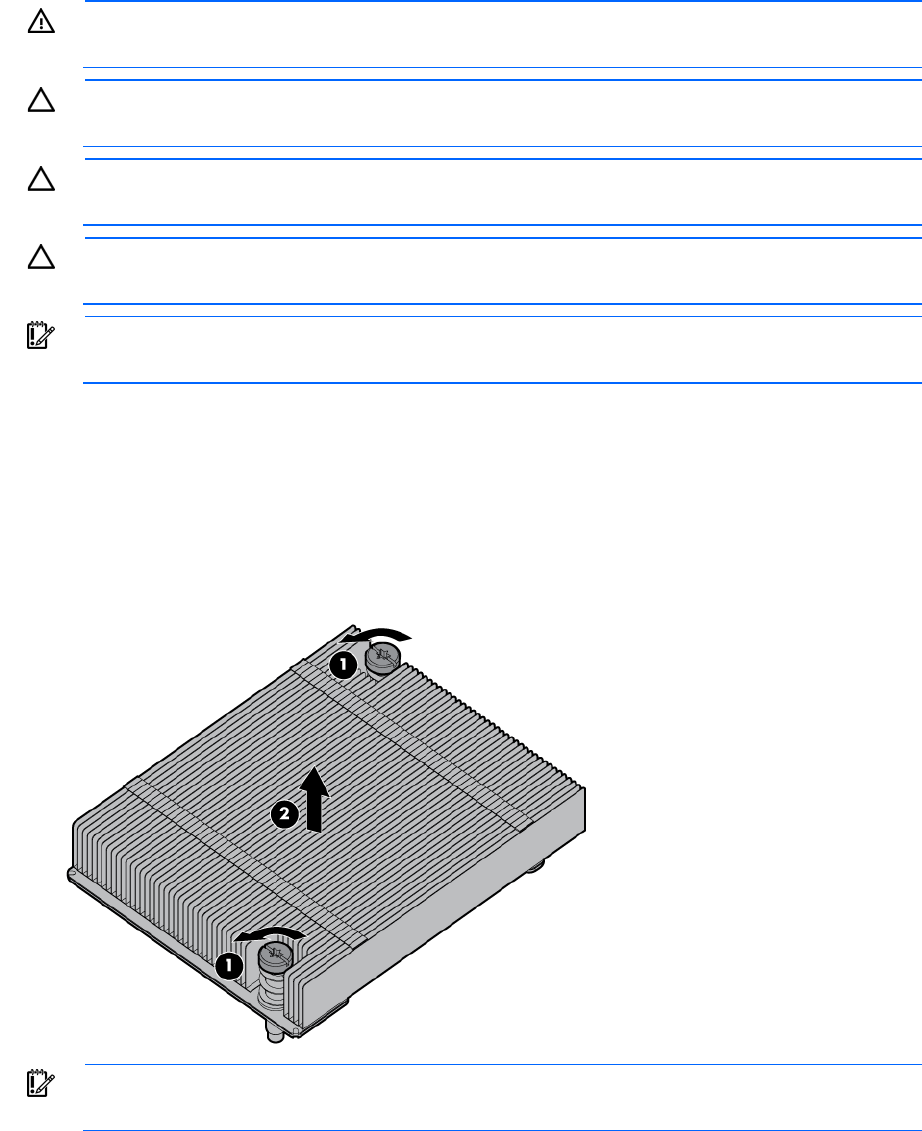
5. Remove the heatsink.
IMPORTANT: To avoid forcibly ejecting the processor, open the levers slowly.