
HP ProLiant SL4540 Gen8 Server Node Maintenance and Service Guide
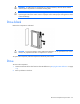
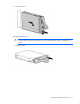
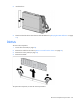
Table Of Contents
- HP ProLiant SL4540 Gen8 Server Node Maintenance and Service Guide
- Abstract
- Notice
- Contents
- Customer self repair
- Illustrated parts catalog
- Removal and replacement procedures
- Troubleshooting
- Diagnostic tools
- Component identification
- Cabling
- Specifications
- Acronyms and abbreviations
- Documentation feedback
- Index
Removal and replacement procedures 28
2.
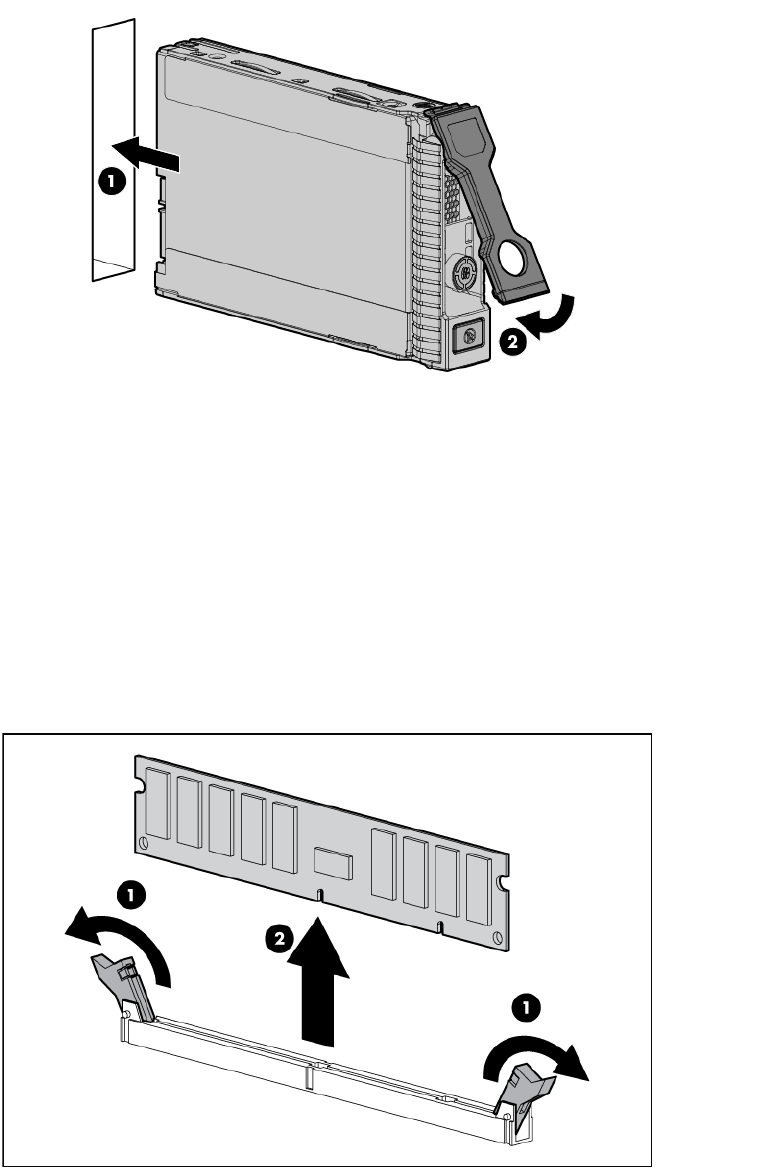
Install the drive.
3. Determine the status of the drive from the drive LED definitions ("Hot-plug drive LED definitions" on page
53).
DIMMs
To remove the component:
1. Power down the node (on page 22).
2. Remove the node from the chassis ("Remove a node from the chassis" on page 23).
3. Remove the access panel (on page 24).
4. Remove the DIMM.
To replace the component, reverse the removal procedure.