HP ProLiant SL250s Gen8 Server User Guide
Manuals
Brands
HP Manuals
Server
HP ProLiant SL250s Gen8 Server
11
12
13
14
15
16
17
18
19
20
Operations
17
4.
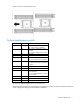
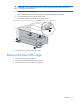
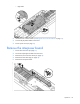
Remove the front GPU cage.
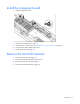
I
nstall the fro
nt GPU cage
1.
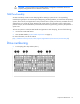
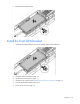
Align the GPU cage with the guiding pins, and then tig
hten the thumbscrews.
o
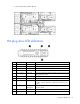
Left node
1
...
...
15
16
17
18
19
...
...
115