HP ProLiant SL250s Gen8 Server User Guide
Manuals
Brands
HP Manuals
Server
HP ProLiant SL250s Gen8 E5-2665 2P 8GB 2U Right Tray Server
41
42
43
44
45
46
47
48
49
50
Hardware
options installation
47
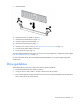
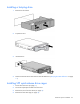
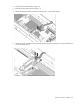
9.
Remove the G
PU blank from t
he cage.
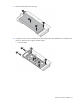
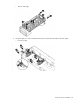
10.
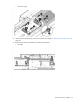
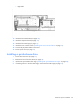
Using the six M2.5 screws included with the GPU cage and the four flathead screws included in the
option kit, attach the drive cages to the GPU cages:
o
Front GPU cage
1
...
...
45
46
47
48
49
...
...
115