
HP ProLiant SL250s Gen8 Server User Guide

Operations 21
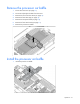
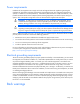
Remove the processor air baffle
1. Power down the server (on page 15).
2. Disconnect all peripheral cables from the server.
3. Remove the server from the chassis (on page 15).
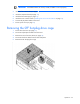
4. Remove the front GPU cage (on page 16).
5. Remove the interposer board (on page 18).
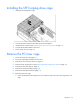
6. Remove the front GPU bracket (on page 19).
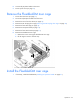
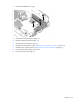
7. Remove the processor air baffle.
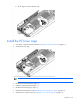
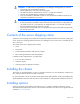
Install the processor air baffle
1. Install the processor air baffle.