HP ProLiant SL250s Gen8 Server User Guide
Manuals
Brands
HP Manuals
Server
HP ProLiant SL250s Gen8 2U PCIe Gen2 Right Tray Configure-to-order Svr
11
12
13
14
15
16
17
18
19
20
Operations
17
4.
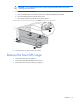
Remove the front GPU cage.
I
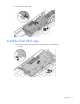
nstall the fro
nt GPU cage
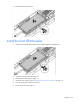
1.
Align the GPU cage with the guiding pins, and then tig
hten the thumbscrews.
o
Left node
1
...
...
15
16
17
18
19
...
...
115