
HP ProLiant SL250s Gen8 Server User Guide


Hardware options installation 45
Installing a hot-plug drive
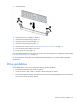
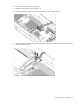
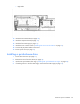
1. Remove the drive blank.
2. Prepare the drive.
3. Install the drive.
4. Determine the status of the drive from the drive LED definitions ("Hot-plug drive LED definitions" on page
13).
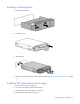
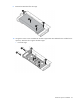
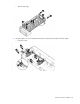
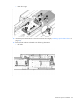
Installing SFF quick-release drive cages
1. Power down the server (on page 15).
2. Disconnect all peripheral cables from the server.
3. Remove the server from the chassis (on page 15).
4. Remove the front GPU cage (on page 16).