
HP ProLiant SL170s G6 Server Software Configuration Guide
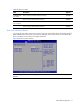
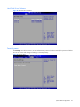
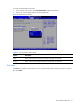
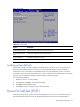
Table Of Contents
- HP ProLiant SL170s G6 ServerSoftware Configuration Guide
- Notices
- Contents
- System BIOS configuration
- OS installation
- Server management
- Index
System BIOS configuration 35
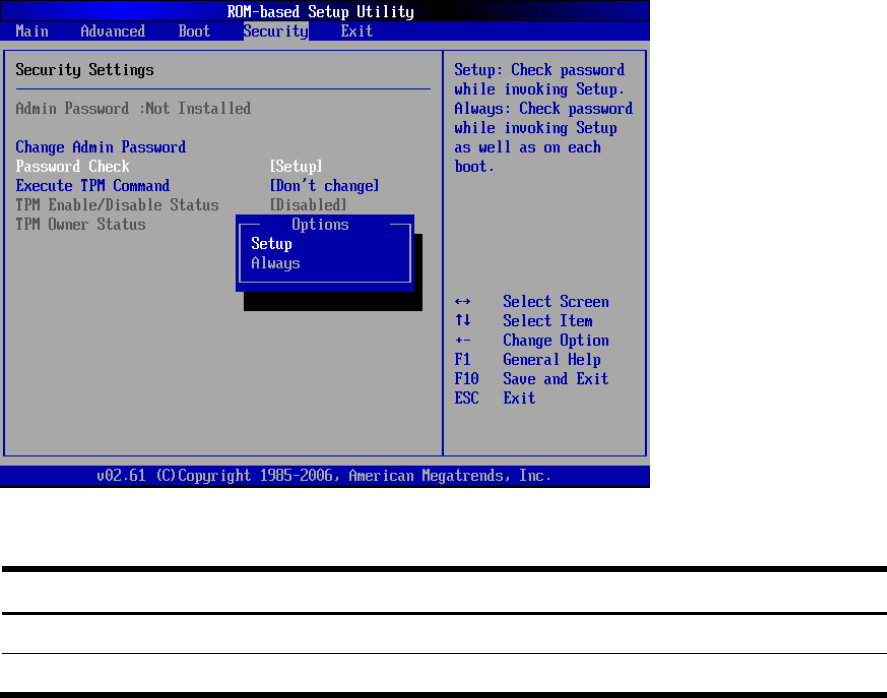
To check the administrator password:
1. In the Security menu screen, select Password Check, and then press Enter.
2. Select one of the available options and then press Enter.
Figure 33 Password Check submenu
Table 21 Password Check submenu fields
Option Description
Setup Set this value need to check password while invoking the set up utility.
Always Set this value must check password while invoking setup on each boot.
Exit menu
The Exit menu displays several options on how to quit the Setup Utility. Select any of the exit options
then press Enter.