
HP ProLiant SL170s G6 Server Software Configuration Guide
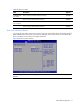
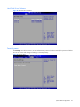
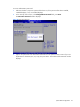
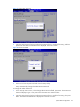
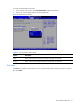
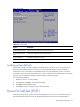
Table Of Contents
- HP ProLiant SL170s G6 ServerSoftware Configuration Guide
- Notices
- Contents
- System BIOS configuration
- OS installation
- Server management
- Index
System BIOS configuration 34
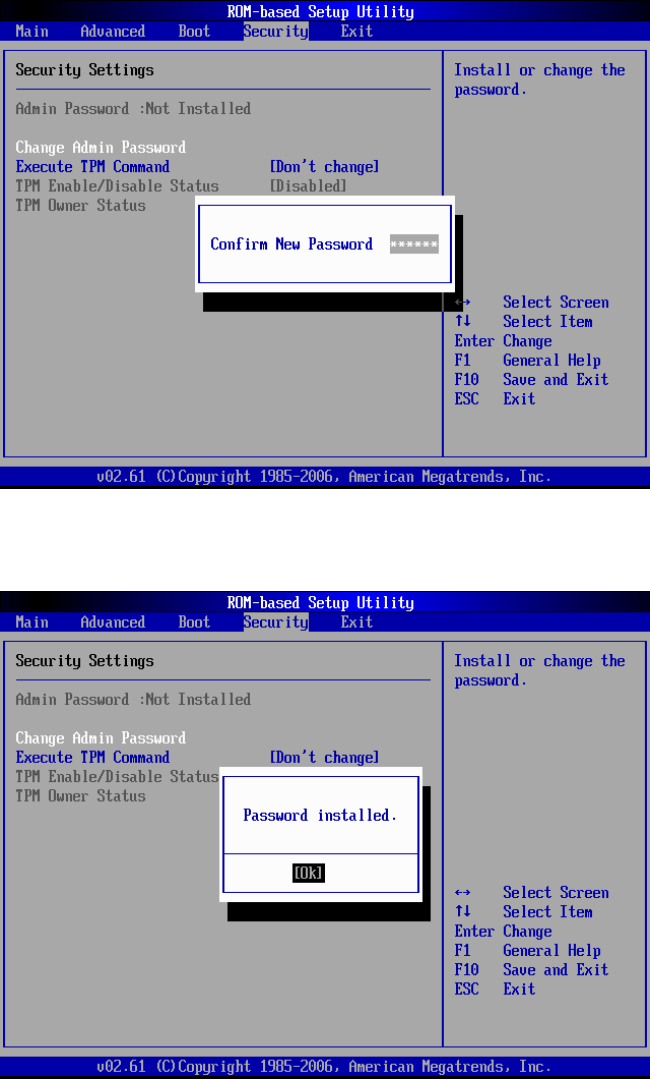
Figure 31 Confirm New Password
4. Type the same password in the Confirm New Password box to verify the first entry, and then
press Enter. The Password Installed OK is displayed. Press OK to finish.
Figure 32 Password installed
5. Press F10 to save the password and close the Setup Utility.
Setup automatically changes the administrator Password.
To change the Admin Password:
1. In the Security menu screen, in the Change Admin Password field, press Enter. The Enter New
Password displays. Type a new password in the Enter New Password box.
2. Type the same password in the Confirm New Password box to verify the first entry, then press
Enter. The Password Installed OK is displayed. Press Enter to finish.