HP ProLiant SL170s G6 Server Software Configuration Guide
Manuals
Brands
HP Manuals
Server
HP ProLiant SL170s G6 Server
31
32
33
34
35
36
37
38
39
40
Table Of Contents
HP ProLiant SL170s G6 ServerSoftware Configuration Guide
Notices
Contents
System BIOS configuration
System BIOS overview
BIOS software
BIOS Setup Utility
Accessing the Setup Utility
Navigating through the Setup Utility
Setup Utility menus
Main Menu
Advanced menu
Boot Menu
Security menu
Exit menu
Loading system defaults
Power-On Self-Test (POST)
POST error indicators
Recoverable POST Errors
POST-related troubleshooting
Reprogramming the BIOS after the ROM disaster
Reprogramming the Chassis Power PIC after the FW Flash disaster
OS installation
Supported OSes
OS pre-installation procedure
Hardware setup
BIOS update
Easy Set-up CD Instruction
Server management
Pre- and post-installation procedures
Pre-installation procedures
Post-installation procedures
Configuring the BMC
Index
System BIOS configuration
32
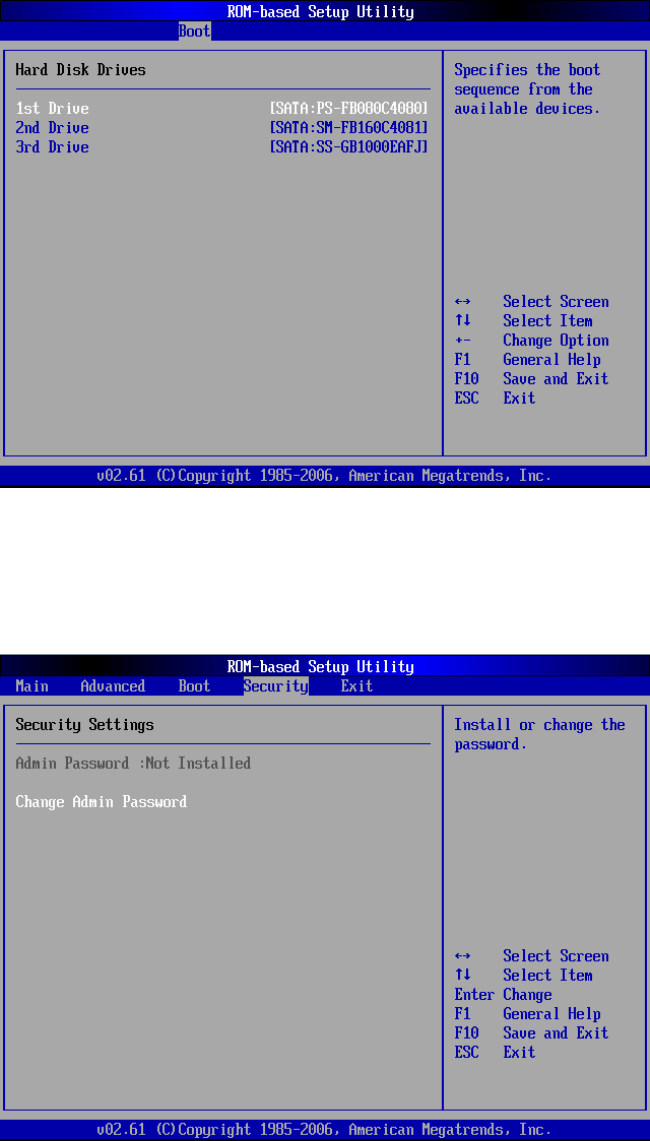
Hard Disk
D
rives S
ub
men
u
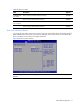
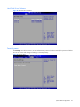
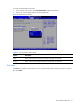
Figure
28
Hard Disk Drive submenu
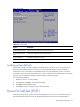
Security m
enu
The
Se
curity
menu all
ows users to set an
administrat
or password
.
Wh
en entered, thi
s password allows
the user to access and change all settings in the Setup Utility.
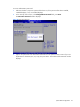
Figure
29
Security menu
1
...
...
30
31
32
33
34
...
...
49