
HP ProLiant SL170s G6 Server Software Configuration Guide
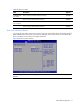
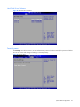
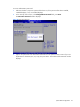
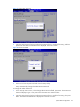
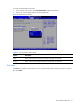
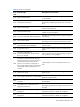
Table Of Contents
- HP ProLiant SL170s G6 ServerSoftware Configuration Guide
- Notices
- Contents
- System BIOS configuration
- OS installation
- Server management
- Index
System BIOS configuration 31
Table 20 Boot menu fields
Filed
Description
Options
Embedded NIC
Port 2 PXE
Set this value not to allow boot form network. Disabled
Set this value to allow boot from network. Enabled
Embedded NIC
Port 1 Control
Set this value not to allow boot from network. Disabled
Set this value to allow boot from network.
Enabled
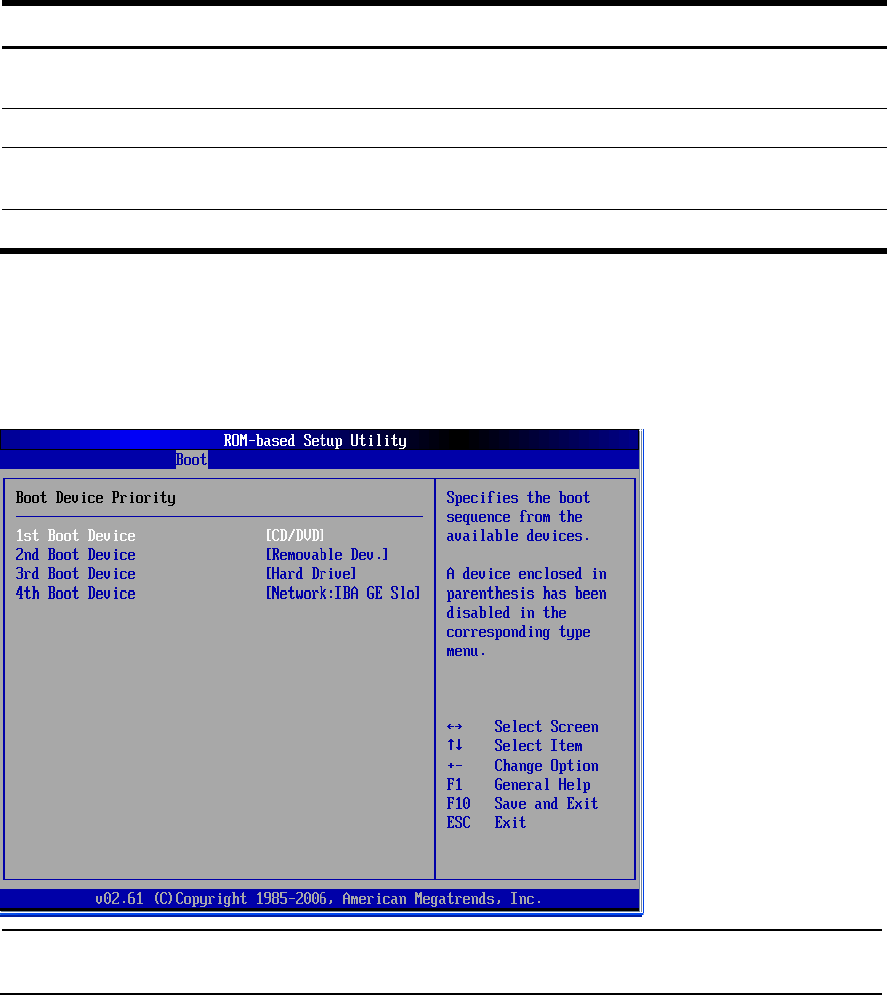
Boot Device Priority Submenu
To change the boot order, select a boot category type such as Hard disk drives, Removable media or
ATAPI CD ROM devices from the boot menu. For example, if the 1st boot device is set to Hard disk
drives, then BIOS will try to boot to hard disk drives first.
Figure 27 Boot Device Priority submenu
NOTE: When you select a boot category from the boot menu, a list of devices in that category
appears.