
HP ProLiant SL170s G6 Server Software Configuration Guide

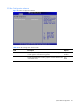
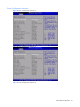
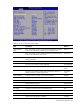
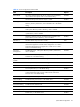
Table Of Contents
- HP ProLiant SL170s G6 ServerSoftware Configuration Guide
- Notices
- Contents
- System BIOS configuration
- OS installation
- Server management
- Index
System BIOS configuration 30
Table 19 Power Configuration submenu fields
Filed
Description
Options
Turbo Mode Prevent processor cores to run faster than marked frequency in specific
condition. When power efficiency mode is efficiency, the value is
disabled. This is the default setting.
Disabled
Allows processor cores to run faster than marked frequency in specific
condition. When performance mode is performance, the value is
enabled.
Enabled
NOTE: Turbo Mode is currently only available on certain high-bin Intel processors. It improves performance with
a minor penalty to power efficiency. It requires that Intel Enhanced SpeedStep also be Enabled.
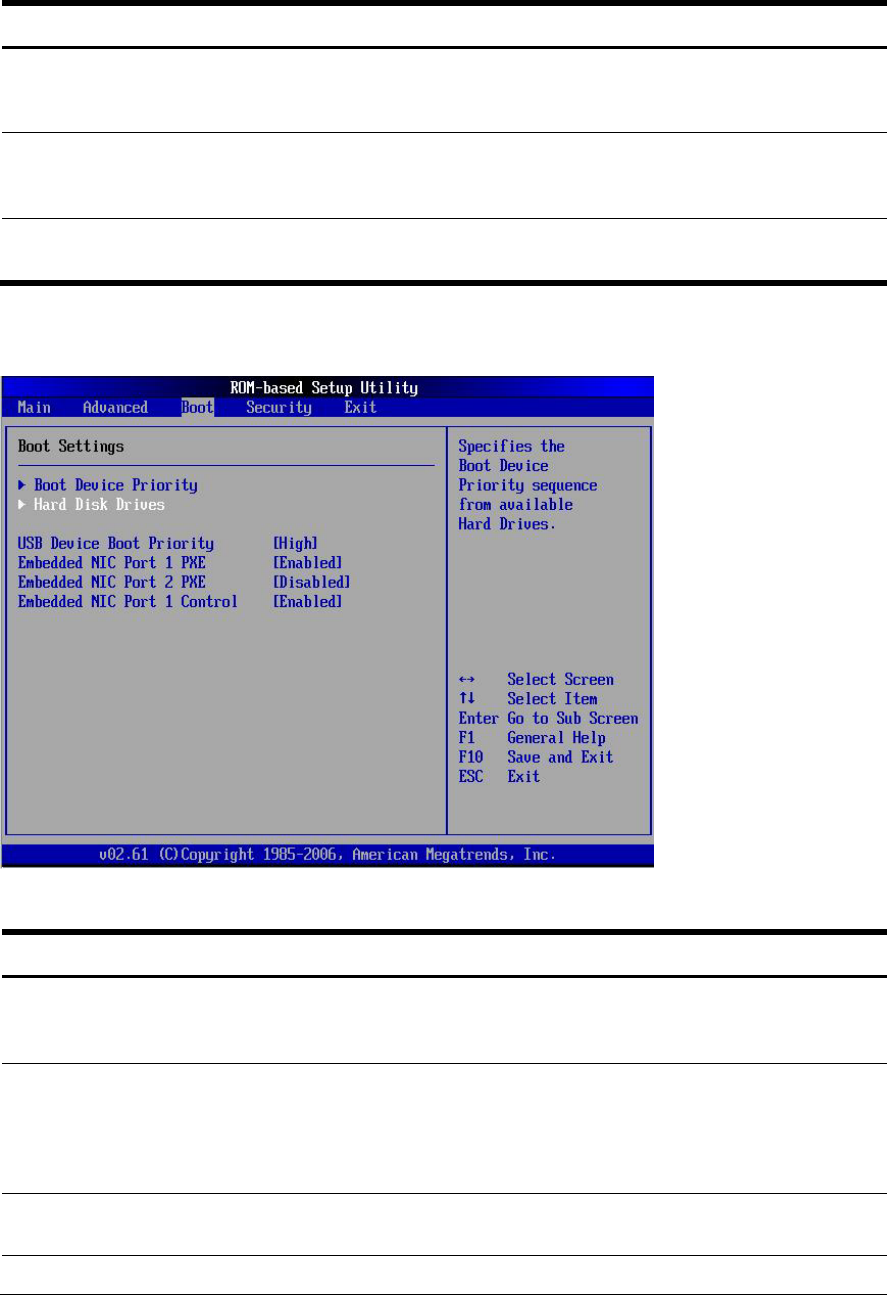
Boot Menu
Figure 26 Boot Menu
Table 20
Boot menu fields
Filed
Description
Options
USB Device Boot
Priority
Newly inserted USB devices from automatically showing up as top priority
within their device class in the standard boot order list. The default value is
High.
High
Disallow newly inserted USB devices from automatically showing up as top
priority within their device class in the standard boot order list. This is needed so
that the user can configure the BIOS to avoid attempting to boot non-bootable
USB devices that are left plugged into the server during POST
Low
Embedded NIC
Port 1 PXE
Set this value not to allow boot from network. Disabled
Set this value to allow boot from network, default.
Enabled