
HP ProLiant SL170s G6 Server Software Configuration Guide

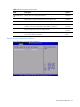
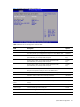
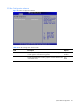
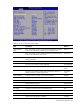
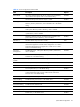
Table Of Contents
- HP ProLiant SL170s G6 ServerSoftware Configuration Guide
- Notices
- Contents
- System BIOS configuration
- OS installation
- Server management
- Index
System BIOS configuration 25
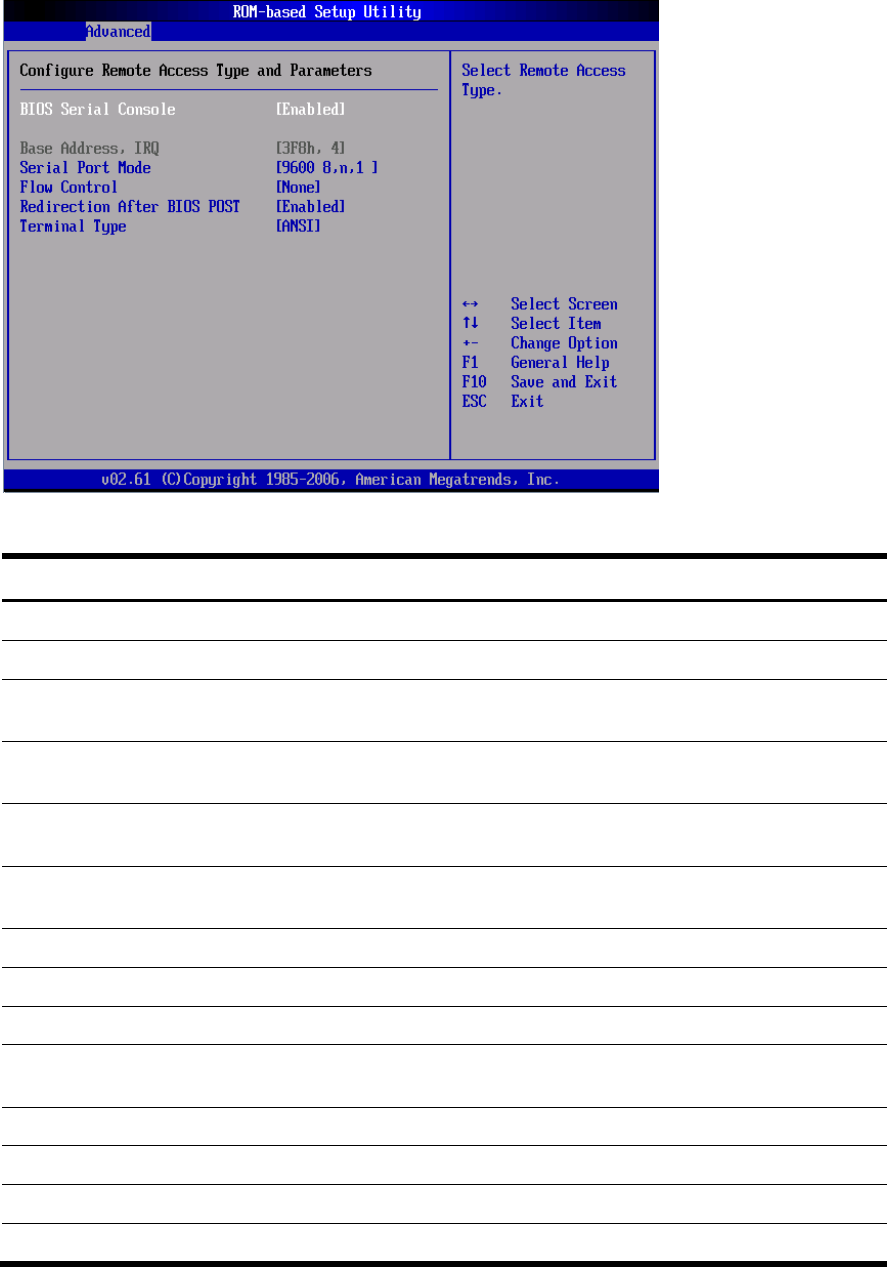
Figure 21 Remote Access Configuration submenu (2)
Table 17
Remote Access Configuration submenu fields
Field
Description
Options
BIOS Serial Console
Set this value to allow configuring the serial port.
Enabled
This value prevent you configure the serial port. It is the default value. Disabled
Serial Port Mode Set this value to allow you to select 115200 as the baud rate
(transmitted bits per second) of the serial port.
115200
8,n,1
Set this value to allow you to select 57600 as the baud rate
(transmitted bits per second) of the serial port.
57600
8,n,1
Set this value to allow you to select 19200 as the baud rate
(transmitted bits per second) of the serial port.
19200
8,n,1
Set this value to allow you to select 9600 as the baud rate (transmitted
bits per second) of the serial port. This is the default value.
9600 8,n,1
Flow Control Set this value to not allow Flow control. The default setting is None. None
Select this value to make Flow control by Hardware. Hardware
Select this value to make Flow control by Software. Software
Redirection After BIOS
POST
Set this value to always active the redirection after post. The default is
Always.
Always
Set this value to turn off the redirection after post. Disabled
Terminal Type
VT100 console type in the serial port.
VT100
ANSI console type in the serial port. It is the default value. ANSI
VT-UTF8 console type in the serial port. VT-UTF8