
HP ProLiant SL170s G6 Server Software Configuration Guide

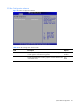
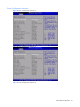
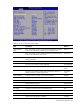
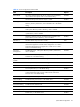
Table Of Contents
- HP ProLiant SL170s G6 ServerSoftware Configuration Guide
- Notices
- Contents
- System BIOS configuration
- OS installation
- Server management
- Index
System BIOS configuration 24
Table 16 USB Configuration submenu fields
Field
Description
Options
BIOS EHCI Hand-
Off
Set this value not to support the EHCI-off. Disabled
Set this value to support the EHCI-off, this is the default value. Enabled
USB Ports Set this value to enable USB ports, this is the default value. Enabled
Turn off external and internal USB ports. Once set, all the USB ports on M/B
invalid, you can use remote KVM or clear CMOS to enable it.
Disabled
Phys Ports
Remove remote KVM and remote Media options.
Disabled
Vir Ports
Turn off both physical and virtual ports. Once set, all the USB ports invalid,
you can clear CMOS to enable it.
Disable All
Ports
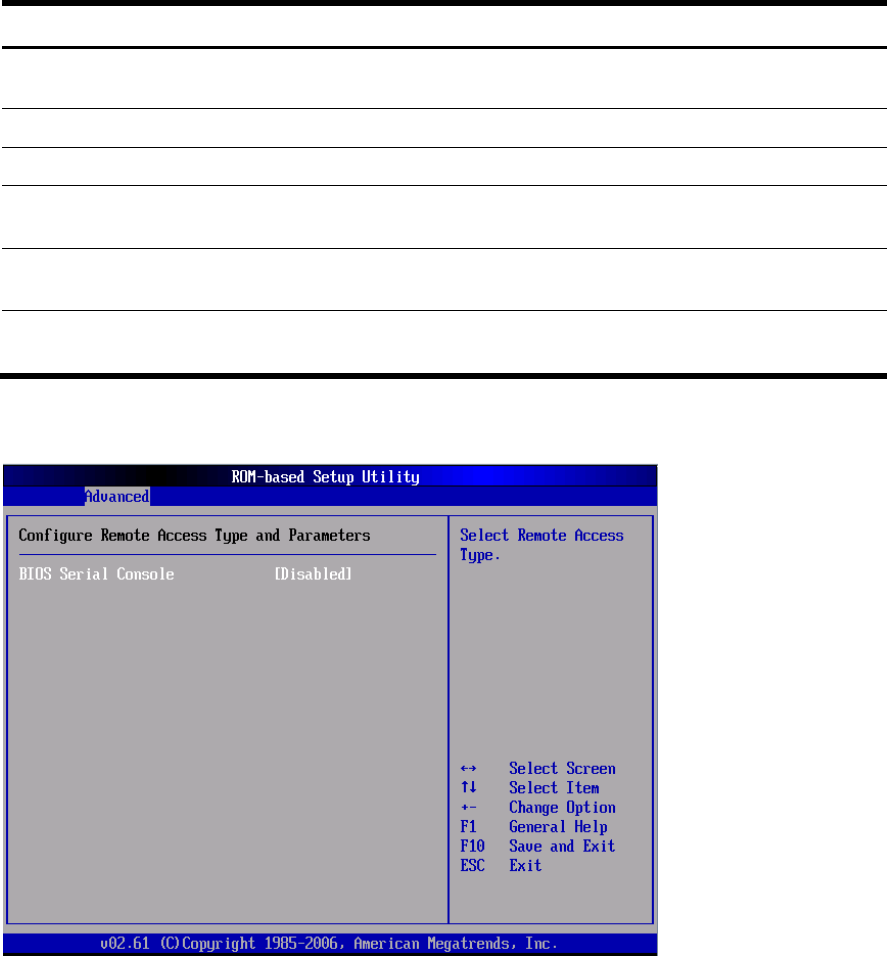
Remote Access Configuration submenu
Figure 20 Remote Access Configuration submenu (1)