
HP ProLiant SL170s G6 Server Software Configuration Guide
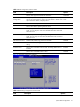
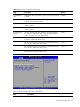

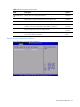
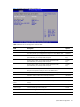
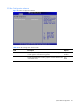
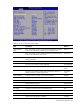
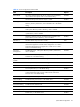
Table Of Contents
- HP ProLiant SL170s G6 ServerSoftware Configuration Guide
- Notices
- Contents
- System BIOS configuration
- OS installation
- Server management
- Index
System BIOS configuration 21
Table 13 LAN Configuration submenu fields
Field
Description
Options
Set the value support from BMC NIC allocation. Dedicated
BMC LAN
Configuration
The option specifies DHCP (Dynamic Host Configuration Protocol) IP
source. The optimal setting is Static. The setup default is DHCP. If the
option selected is DHCP, it displays below.
DHCP
Static
Current IP Address Set this value needs you manual to set the IP source.
Set this value allows dynamic get the IP source.
Current Subnet Mask The option specifies Current subnet mask, it auto gets the IP subnet
mask; you can setup this value when disabled share NIC mode and
DHCP IP source.
Current Gateway The option specifies Default gateway, it auto gets the IP subnet
mask. You can setup this value when disabled share NIC mode and
DHCP IP source.
LAN Protocol Control Disable HTTP/Telnet/Ping protocol on the BMC. Disabled
Enable HTTP/Telnet/Ping protocol on the BMC. This is the default
setting.
Enabled
Wake-On LAN Set this value will enable wake on LAN. The setting default value is
Enabled.
Enabled
Set this value will disable wake on LAN.
Disabled
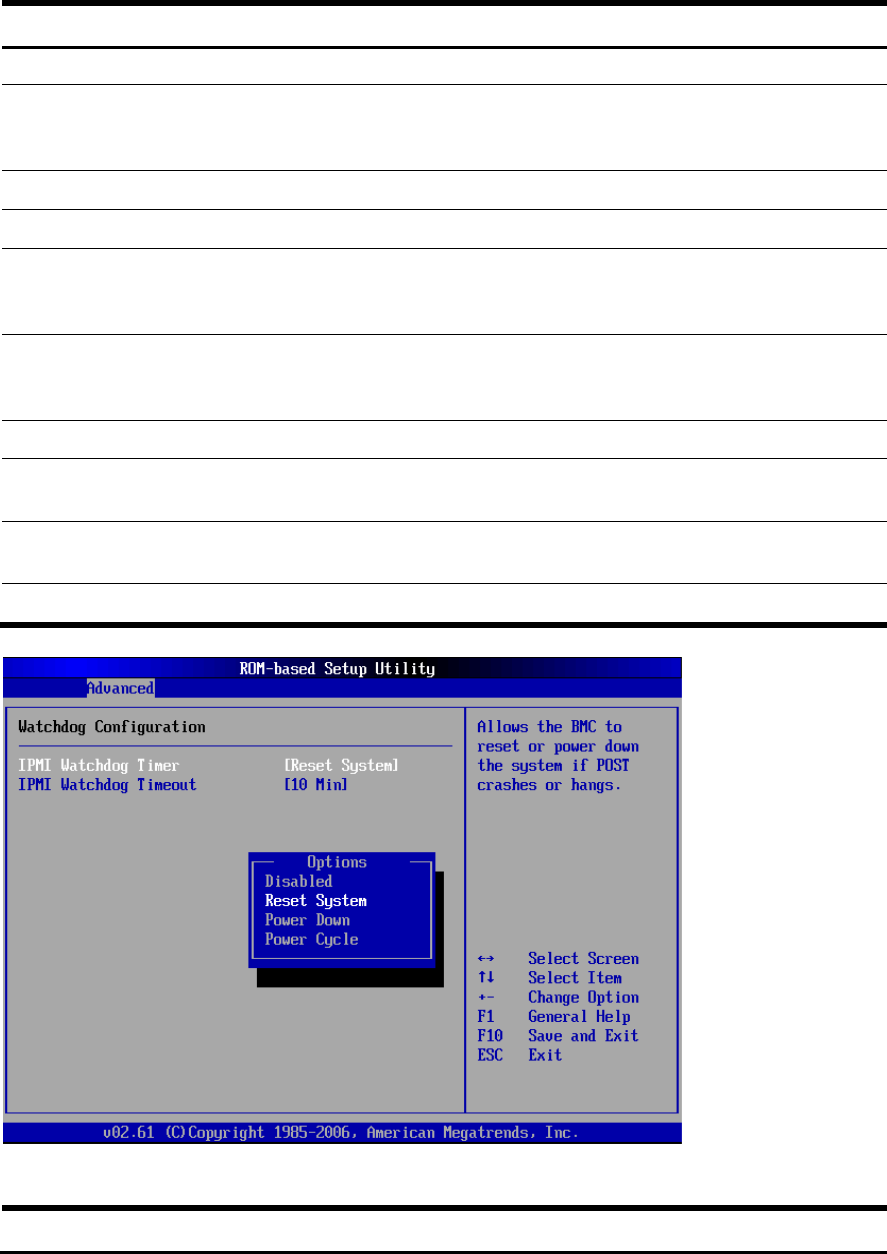
Figure 17 Watchdog Configuration submenu
Table 14
Watchdog Configuration submenu fields
Field Description Options