HP ProLiant SL170s G6 Server Software Configuration Guide
Manuals
Brands
HP Manuals
Server
HP ProLiant SL170s G6 Server
11
12
13
14
15
16
17
18
19
20
Table Of Contents
HP ProLiant SL170s G6 ServerSoftware Configuration Guide
Notices
Contents
System BIOS configuration
System BIOS overview
BIOS software
BIOS Setup Utility
Accessing the Setup Utility
Navigating through the Setup Utility
Setup Utility menus
Main Menu
Advanced menu
Boot Menu
Security menu
Exit menu
Loading system defaults
Power-On Self-Test (POST)
POST error indicators
Recoverable POST Errors
POST-related troubleshooting
Reprogramming the BIOS after the ROM disaster
Reprogramming the Chassis Power PIC after the FW Flash disaster
OS installation
Supported OSes
OS pre-installation procedure
Hardware setup
BIOS update
Easy Set-up CD Instruction
Server management
Pre- and post-installation procedures
Pre-installation procedures
Post-installation procedures
Configuring the BMC
Index
System BIOS configuration
16
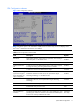
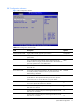
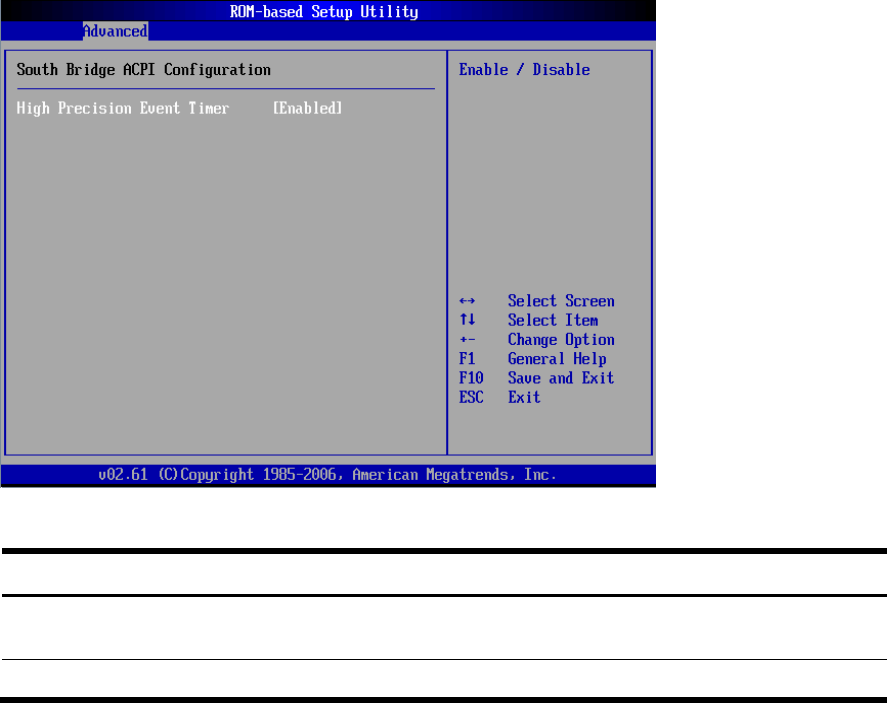
Figure
10
ACPI Config
uration
s
ubmenu
(
2)
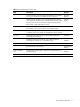
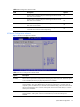
Table
9
Sout
h Bridge ACPI
Configura
tion sub
menu fields
Field
D
escription
Options
High Prec
ision
Ev
ent
Timer
Enab
le High
Precision
Event Timer. This is the default setting.
Enabled
Disable H
igh
Pre
cision
Ev
ent
Tim
er.
Disable
d
1
...
...
14
15
16
17
18
...
...
49