
HP ProLiant SL165z G7 Server Software Configuration Guide

System BIOS configuration 26
Security menu
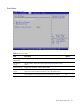
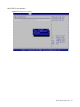
Figure 16 Security menu
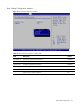
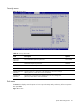
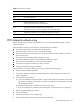
Table 15 Security menu fields
Field Description Options
Supervisor
Password
Not installed the Supervisor password. Not Installed
Installed the Supervisor password. Installed
User Password Not installed the user password. Not Installed
Installed the user password. Installed
Change Supervisor
Password
Type the Supervisor's password in the dialogue box to set or to change
Admin password, which allows access to the BIOS.
Change User
Password
Type the User's password in the dialogue box to set or to change user
password, which allows access to the BIOS.
Exit menu
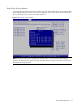
The Exit menu displays several options on how to quit the Setup Utility. Select any of the exit options
then press F10.
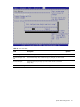
Figure 17 Exit menu