
HP ProLiant SL165z G7 Server Software Configuration Guide

System BIOS configuration 22
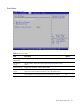
Boot Menu
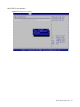
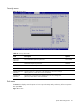
Figure 12 Boot menu
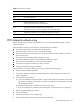
Table 13 Boot menu fields
Field Description Options
Boot Settings
Configuration
Configure settings during system boot.
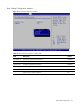
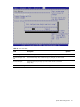
Boot Device
Priority
Use this screen to specify the order in which the system checks for a boot
device.
Hard Disk Drives Display HDD information if detect HDD installed.
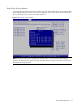
USB Device Boot
Priority
Force USB devices automatically showing up as top priority within their
device class in the standard boot order list. This is the default setting.
High
Train USB devices as original priority as the standard boot order list. Low