
HP ProLiant SL160z G6 Server Software Configuration Guide

System BIOS configuration 21
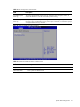
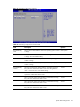
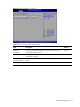
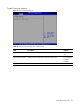
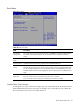
Table 13 SEL Configuration submenu fields
Field Description
View BMC System
Event Log
The option specifies BMC system event log. Select this option and press <Enter> to
access the submenu to view the contents of System Event log.
Clear BMC System
Event Log
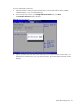
The option specifies clear system event log. If the BMC Event log is full, you can choose
this item to clear out the BMC Event log. If this option is selected, a confirmation prompt
will appear before the log is cleared.
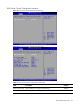
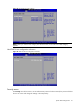
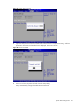
Figure 16 Hardware Health Information submenu
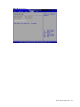
Table 14
Hardware Health Information submenu fields
Field Description
Temperature Show a list of sensor temperature
Fan Rotation Rate Show system Fan Rotation Rate