
HP ProLiant SL160z G6 Server Maintenance and Service Guide



Removal and Replacement Procedures 50
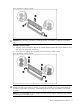
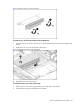
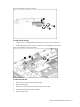
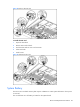
Figure 35 Replacing the battery
System Board Removal and Replacement Procedure
To remove the system board:
Remove the tray with the system board:
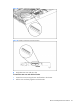
1. Press the tray latch to release the tray handle.
2. Rotate the tray handle to disengage the power connector.
3. Pull the tray assembly out of the chassis.
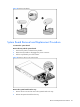
Figure 36 Removing the tray with system board
Remove the system board from the tray:
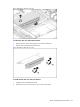
1. Remove the nine screws that secure the system board to the tray.
2. Release the system board from the tray.