
HP ProLiant SL160z G6 Server Maintenance and Service Guide

Removal and Replacement Procedures 32
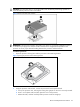
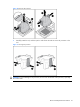
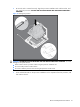
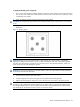
To install a Hard Drive:
1. Unlock the HDD carrier latch.
2. Rotate the HDD carrier handle up.
3. Insert the HDD carrier and align the four pins.
4. Rotate the HDD carrier handle down and then lock the HDD carrier latches.
Figure 5 Installing the hard drive assembly
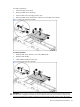
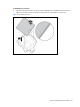
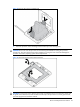
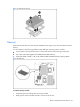
To remove hard drive:
1. Slide the HDD carrier latches to unlock the HDD handle.
2. Raise the HDD handle.
3. Lift the HDD assembly out of the tray.
Figure 6 Removing the hard drive assembly
WARNING: Ensure that the system is powered off and all power sources have been disconnected
from the server. Voltages are present at various locations within the server whenever an AC power
source is connected. This voltage is present even when the main power switch is in the off position.