
ProLiant ML570 Generation 4 Server Maintenance and Service Guide

Removal and replacement procedures 59
3.
Remove the access panel ("Access panel" on page 31).
4. Remove the processor air baffle ("Processor air baffle" on page 38).
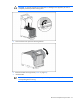
5. Remove the PPM retaining bracket ("PPM" on page 58).
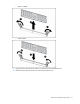
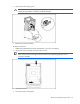
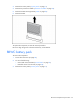
6. Remove the PPM.
To replace the component, reverse the removal procedure.
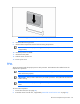
Be sure to align the groove in the PPM with the key in the PPM slot.
BBWC battery pack
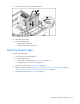
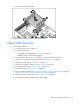
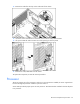
To remove the component:
1. Power down the server (on page 28).
2. Do one of the following:
o Unlock and remove the bezel ("Tower bezel" on page 29).
o Extend the server from the rack (on page 28).
3. Remove the access panel ("Access panel" on page 31).