
ProLiant ML570 Generation 4 Server Maintenance and Service Guide

Removal and replacement procedures 49
o
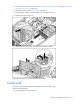
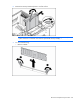
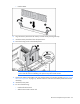
Install a DIMM.
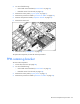
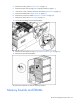
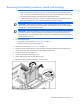
8. Align the memory board with the memory slot and memory board guide clips.
9. Install the memory board and close the ejector lever.
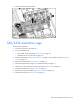
10. Move the locking switch to the locked position.
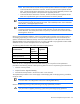
NOTE: In hot-plug procedures, all LEDs now turn off except the board status LED, which flashes
green while the board is rebuilding. This process may take several minutes.
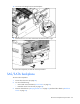
11. Observe the memory board LEDs to be sure that the memory is functioning properly ("Memory board
LEDs and components" on page 86). The LED states are valid when the memory board has finished
rebuilding.
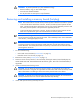
12. Install the access panel.
13. Do one of the following:
o Install and lock the bezel.
o Slide the server back into the rack.