
ProLiant ML570 Generation 3 Server User Guide

Hardware options installation 45
1.
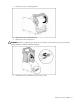
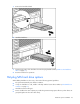
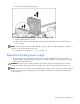
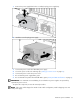
Remove the hard drive blank.
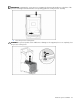
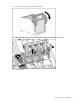
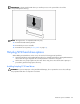
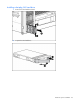
2. Install the hard drive.
3. Determine the status of the hard drive from the hot-plug hard drive LEDs ("SATA or SAS hard drive
LEDs" on page 17).
4. Resume normal server operations.
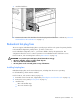
Hot-plug SAS hard drive options
When adding hard drives to the server, observe the following general guidelines:
• The system automatically sets all device numbers.
• If only one hard drive is used, install it in the bay with the lowest device number ("SAS-SATA device
numbers" on page 16).
• Hard drives must be SFF types.
• Drives should be the same capacity to provide the greatest storage space efficiency when drives are
grouped together into the same drive array.