
Microsoft BackOffice Small Business Server 4.5 Installation Instructions for Compaq Prosignia and ProLiant Servers

Microsoft BackOffice Small Business Server 4.5 Installation Instructions for Compaq Prosignia and ProLiant Servers 16
13J6-1000A-WWEN
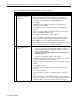
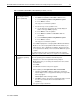
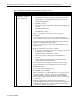
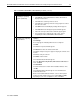
Table 7. Initial Microsoft BackOffice SBS installation procedures (continued)
√
√√
√
Procedures Steps
!
Task 5:
Completing the initial
process
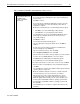
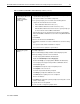
1. Click Cancel if the Installed Modems window appears.
2. Click Yes to confirm the cancel.
3. Click Yes when prompted to continue the setup program after the next
restart.
4. Do the following if the specified Display windows appear:
• Click OK to close the Invalid Display Settings window.
• Click Cancel to close the Display Properties window.
5. Proceed to the steps outlined in the next section, ”Part 2: Completing
the Microsoft BackOffice SBS Installation.”
This completes Part 1 of the installation process. Proceed to Part 2.