
HP ProLiant DL/ML370 G6 Server Maintenance and Service Guide

Removal and replacement procedures 38
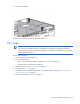
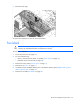
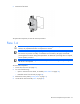
5.
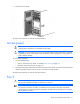
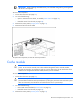
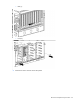
Remove the fan.
To replace the component, reverse the removal procedure.
Tower side panels
To remove the component:
1. Power down the server (on page 27).
2. Do one of the following:
o Open or remove the tower bezel, as needed ("Tower bezel" on page 30).
o Extend the server from the rack (on page 28).
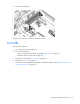
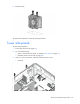
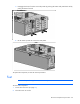
3. With a T-15 Torx screwdriver, remove the following seven screws:
o Inside (4)