
Compaq ProLiant ML350 Tower-to-Rack Conversion Guide

Preparing the Server 1-19
Compaq Confidential – Need to Know Required
Writer: Doug Warren Project: Compaq ProLiant ML350 Tower-to-Rack Conversion Guide Comments:
Part Number: 201346-001 File Name: b-ch1 Preparing the Server.doc Last Saved On: 7/7/00 10:05 AM
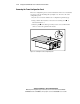
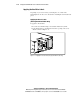
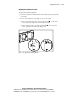
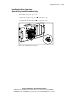
Installing the Drive Cage Cover
(Non-Hot-Plug Hard Drive Models Only)
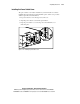
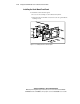
To install the new drive cage cover:
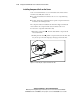
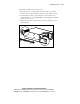
1. Place the new drive cage cover on the drive cage.
2. Tighten the two thumbscrews to secure the cover.
2
1
Figure 1-16. Installing the drive cage cover